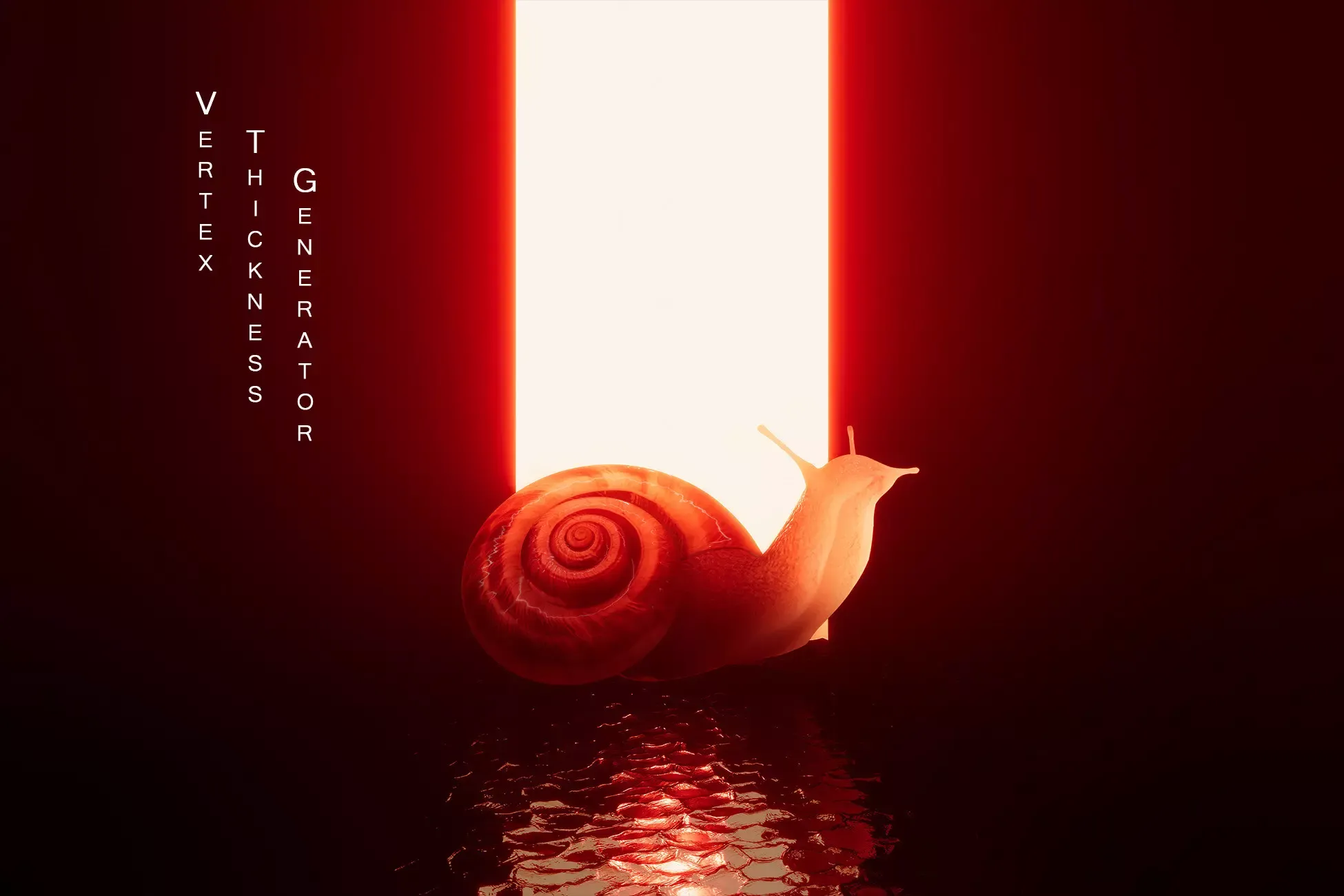
Editor tool for calculating per-vertex mesh thickness (based on the GDC 2011 Colin Barre-Brisebois talk), that can be used in various calculations and effects like translucent and subsurface scattering shaders, soft-body simulation and others.
Calculated thickness is a grayscale value in the range of [0, 1], where 0 corresponds to the minimal mesh thickness and 1 to maximum. Thickness is calculated per-vertex and can be saved inside any mesh vertex buffer (uv0-uv7, normal, tangent or vertex color).
Supported Unity versions (only LTS):
✅ Unity 6000.3
✅ Unity 6000.0
✅ Unity 2022.3
✅ Unity 2021.3
✅ Unity 2020.3
✅ Unity 2019.4
Supported render pipelines:
✅ Built-in
✅ Universal (URP)
✅ High Definition (HDRP)
Source code:
✅ Included
Asset is already included in the Amazing Tools Bundle.
⚠️Note:
Mesh thickness is generated per-vertex and its calculation speed and quality depends on the mesh vertex count.
This tool allows generating thickness and saving it inside a mesh and package includes Preview shader for rendering this baked data. However it is up to the user to create and setup custom shaders for reading baked thickness from a mesh and render it according to the requirements.
Package does not include any translucent, subsurface scattering or any other shaders or files used in the promo screenshots.
Package overview
Vertex Thickness Generator by Unknown author is a Unity asset listed on Game Package. Its catalog categories are Modeling.
Requirements and compatibility
No render pipeline compatibility is specified for the published builds on this page.
Check the package description and the original listing for minimum editor versions, dependencies and import instructions before adding the asset to an existing project. View the Unity Asset Store listing.
Best TLS Security for Unity: Secure, Comprehensive, and Essential
Dive into a new realm of security with the Best TLS Security asset for Best HTTP. Crafted to offer an unparalleled layer of protection for your projects, this asset ensures that your Unity applications maintain the highest standards of encrypted communication when using Best HTTP and all packages built on top of it. With its myriad features and functions, this asset is the ultimate tool to fortify your projects against potential threats in the digital landscape.
💥 Website 💥 Docs 💥 Changelog 💥 Support
Key Features:
Unity Compatibility: Compatible with Unity versions starting from 2021.1 onwards.
Platform Support: Whether you're targeting desktop, mobile, or web platforms, Best WebSockets has got you covered. Experience consistent performance across all major platforms supported by Unity:
💻 Desktop Platforms: Windows, Linux, MacOS.
📱 Mobile Platforms: iOS, Android.
Additional Support: Universal Windows Platform (UWP).
Seamless Integration: With just one line of code, secure the communication of your Best HTTP or any other Best package.
Certificate Chain Verification: Conforming to RFC 3280, Best TLS Security provides meticulous certificate chain verification, ensuring the legitimacy of each certificate in the chain.
🔥Revocation Checking: Elevate your security by validating the authenticity of leaf certificates using OCSP. Choose between soft and hard fail options to suit your application's needs.
OCSP Response Management: Efficiently manage and cache OCSP responses. With support for OCSP Must-Staple, stay assured of the legitimacy of your certificates.
🔥Certification Manager Window: Navigate through an intuitive interface tailored to manage Trusted Root CA, Trusted Intermediate, and Client Credentials. This window empowers you to:Update all certificates from trusted sources.
Seamlessly incorporate custom certificates.
Purge non-essential certificates for a streamlined list.
Domain Name Matching: Reinforce the authenticity of your connections by ensuring domain names are verified, mitigating potential man-in-the-middle attacks.
Client Authentication: Introduce an extra layer of security by verifying the identity of clients, ensuring only authorized entities gain access.
Versatile Configuration: With an abundance of options at your disposal, customize every aspect of the add-on to resonate with your specific requirements.
🔥Essential Dependency: Best WebSockets is built upon and necessarily requires the Best HTTP package. This foundational package not only provides the core mechanisms for the asset but also bestows its renowned reliability and top-tier performance. Before diving into Best WebSockets, ensure the Best HTTP dependency is correctly installed into your Unity project, guaranteeing a seamless and high-performance networking journey.
Debugging and Logging: Comprehensive logs provide invaluable insights during development and debugging.
Code Availability: Source code included for flexibility and customization.
❗📝 The Best TLS Security package does not function under WebGL. When deploying to this platform, the underlying browser handles communication responsibilities, ensuring established security protocols are adhered to.
In the dynamic and ever-evolving world of digital communication, security remains paramount. The Best TLS Security asset empowers you to stand firm against the uncertainties of the online realm, ensuring your Unity projects are not just functional, but also fortified. Trust in the meticulous design and robust features of this asset to shield your applications, allowing you to focus on what you do best: creating outstanding digital experiences. With Best TLS Security, you're not just coding; you're crafting with confidence.
SGSR 1 Mobile - Upscaling for Unity has been tested in Unity versions 2019, 2020, 2021, 2022, 2023 and Unity 6 up to 6.3!
✅This asset will receive a minimum 2 years of support & free updates.
⚡Boost your frames with SGSR Mobile - Upscaling for Unity!⚡
SGSR is an upscaling technique specifically created for ultimate performance for mobile devices!
It creates high quality and resolution frames based on lower resolution input. By using this, your project can run in a drastically lower resolution without losing visual quality and increasing the framerate!
This Unity asset is created to interface with Qualcomm's Snapdragon Game Super Resolution found here: https://github.com/quic/snapdragon-gsr.
If your project is limited by GPU performance, SGSR Mobile will give you a higher framerate. If a project is limited by CPU performance, all it will do is make the GPU workload lower. While this may seem like a big limitation, it also means a mobile device will use way less battery power when using SGSR!
🌀Easy to use
SGSR has been designed for an easy setup, with an extensive documentation describing the process.
Additionally, SGSR has been extensively tested with all default Unity Post-Processing, however we can't guarentee that all custom Post-Processing assets will work out of the box. If you run into problems with custom assets, contact us and we'll see if we can help to add support for it!
❤️Boost further with the Ultimate Upscaler Bundle
Are you looking for the absolute best quality upscaling? Enhance your project's visual fidelity by also adding our other upscalers to your project with our Ultimate Upscaler Bundle!
🆓 Not convinced? Try our free evaluation version.
Experience the full feature set of our premium upscalers, restricted to Windows builds and watermarked for evaluation purposes. Download it here.
🛟Support
If you run across any issue with implementing SGSR, please read our Documentation or contact us on Discord.
Even while the asset has been rigorously tested, there are always edge cases that are difficult to foresee, please contact us if you run into any issue!
👷Third Party Integrations / Connections
These assets have added specific support for this asset. Please note that these assets are not included! If you need support for these assets, please contact the original developer.
Unified Settings & Game Options UI - A settings template with one unified interface for all render pipelines (URP, HDRP, Built-in) and input systems (old and new).
Settings Menu Creator - Build customized settings menus in no time. Works in Built-in, URP, and HDRP. The integration works with all versions including the Free one.
HTrace Ambient Occlusion three of the most popular ambient occlusion techniques into a single asset, offering a highly scalable and adaptive system for AO computation.
Need integration with another asset? Please send the request to info@thenakeddev.com.
Asset uses Snapdragon™ Game Super Resolution under the BSD 3-clause “New” or “Revised” License; see Third-Party Notices.txt file in package for details.
⭐⭐⭐⭐⭐
"One of the best assets on the Unity Asset Store made by one of the best asset developers."
Todd D'Arcy - Managing Director [Falling Frontier]
⭐⭐⭐⭐⭐
"Saved our console release, 5 stars! Hard-working, passionate, attentive and responsive. It's been nothing but a pleasure working with Dominic and his team."
Andrew 'Refleax' Farrugia - CEO & Game Director [Holdfast]
⭐⭐⭐⭐⭐
"The best way to get upscaling for Unity! Really improved performance and visual fidelity with ease. Combine that with very dedicated developers and you got a top tier asset!"
Roan Albers - Art Lead [Descenders Next]
Documentation | Forum | Support
Editor and run-time solution for converting mesh vertex color to texture.
Tool can render each submesh vertex colors separately or combine them into one texture.
Editor tool supports batch converter and can render textures in up to 8K resolution in JPG, PNG and TGA formats.
Run-time API adds ConvertVertexColorToTexture extension method to the Unity Mesh class and returns Texture2D object.
Compared to other solutions, this tool uses better algorithm and does not create visual seams.
Supported Unity versions (only LTS):
✅ Unity 6000.3
✅ Unity 6000.0
✅ Unity 2022.3
✅ Unity 2021.3
✅ Unity 2020.3
✅ Unity 2019.4
Supported render pipelines:
✅ Built-in
✅ Universal (URP)
✅ High Definition (HDRP)
Source code:
✅ Included
Asset is already included in the Amazing Tools Bundle.
⚠️ Note:
Tool requires mesh with proper UV0 layout. Overlapping or inaccurate UV0 can render vertex colors incorrectly.
Description
Unleash the power of dynamic and realistic flame effects in your Unity projects with Vulcan! This cutting-edge asset empowers developers to effortlessly generate stunning procedural flames, rocket exhaust, and jet flames and other flame types, all with the magic of shaders. Vulcan allows you to author the mesh shapes for your flames from mutiple layers and the Shader will then animate those flames for you. You can also have the flames change shape via the use of BlendShapes if you want and Vulcan includes a system to make those Blendshapes for you. Note Blendshapes will use SkinnedMesh renderers.
Online Docs
Key Features:
🔥 Procedural Layer-Based Flames: Vulcan enables you to create mesmerizing flames with ease. Harness the flexibility of layer-based systems to fine-tune and customize your fire effects to perfection. Achieve realism and uniqueness in every flicker!
🚀 Rocket and Jet Flames: Elevate your game or simulation with dynamic rocket exhaust and jet flames that react to environmental factors. Whether you're working on a space exploration game or a high-speed aerial simulation, Vulcan ensures your effects are visually compelling and truly immersive.
✨ Shader-Powered Rendering: Vulcan leverages the power of shaders to render realistic flames and dynamic effects in real-time. Benefit from the efficiency of GPU-based rendering to achieve high-quality visuals that seamlessly integrate into your Unity project.
🎮 User-Friendly Interface: We understand the importance of a smooth development workflow. Vulcan comes equipped with an intuitive interface, allowing you to tweak parameters, preview changes instantly, and see the impact on your effects in real-time.
🚀 Optimized Performance: Vulcan outshines traditional particle systems for flames. Enjoy visually striking flames and effects without compromising the performance of your Unity application, making Vulcan the go-to choice for optimized and immersive experiences.
🌐 Platform Compatibility: Vulcan is compatible with all platforms, ensuring your fire effects look incredible across PC, Mac, mobile devices, and more. Take your game or simulation to new heights, reaching a broader audience with seamless cross-platform support.
✅ Easy Integration: Integration is a breeze with Vulcan! Simply import the package, follow our documentation, and start creating stunning fire effects within minutes. Save valuable development time while achieving exceptional results.
Elevate your Unity project with Vulcan and revolutionize the way you implement fire effects. Ignite player immersion, enhance visual storytelling, and bring your games or simulations to life. Get Vulcan today and set your creations ablaze with the power of dynamic, procedural flames!
Some of the features of Vulcan.
Layer Based
Procedural Meshes
Detail Slider
Flame Flutter
Flame Pulses
Reorderable Layers
Disable Layers
Layer Position
Layer Size
Layer Rotation
Multi Material Support
Profile Curve
Multiple Mesh Types
Vertex Distribution
Double Sided Option
Flip Normals
Cap Start and Ends
Full UV editing
Rings of Flames
Soften Edges
Intensity
Rim Coloring
Fade System
Bend values
Collision Options
Works with Builtin, URP and HDRP
Shader Graphs for URP and HDRP included
In Scene Edit tools
Improved Inspector options
Noise Texture Builder
Flame Map Builder
Gradient Map Builder
Flame Library Window
Flame Preferences
Build Blendshapes from your Flames
Easy Level of Detail Sliders
Visualize Mesh Data
Full Undo
Tooltips
Extensive Docs
Helper scripts
Works with Unity 6
Note: The F15 Nozzle model is not included in the Asset
Description
Unity 6 Ready
URP and HDRP Ready
About
Import "MagicaVoxel", "Qubicle" and Pixel art.
Animation your voxel character!
Features
- Skinned Animation support (Create skinned mesh)
- Frame Animation support (Swap mesh engine)
- Mecanim Humanoid support
- ScriptedImporter support
- Optimize low poly mesh
- Collada Exporter
- The source code is all C#
- All source code is included
Unity Forum | Manual | FAQ