Game PackageGame PackageGAME PACKAGE™
SubscriptionsLeaderboardAssets
Game PackageGame PackageGame Package

Unity assets, ready-made projects, and subscriptions in one storefront.

Explore

  • Subscriptions
  • Leaderboard
  • Assets
  • Ready-made
  • Search
© 2026 Game Package. All rights reserved.gamepackage.net
Opening asset
Mailbox | Game Creator 2

By Fullscreen

Mailbox | Game Creator 2

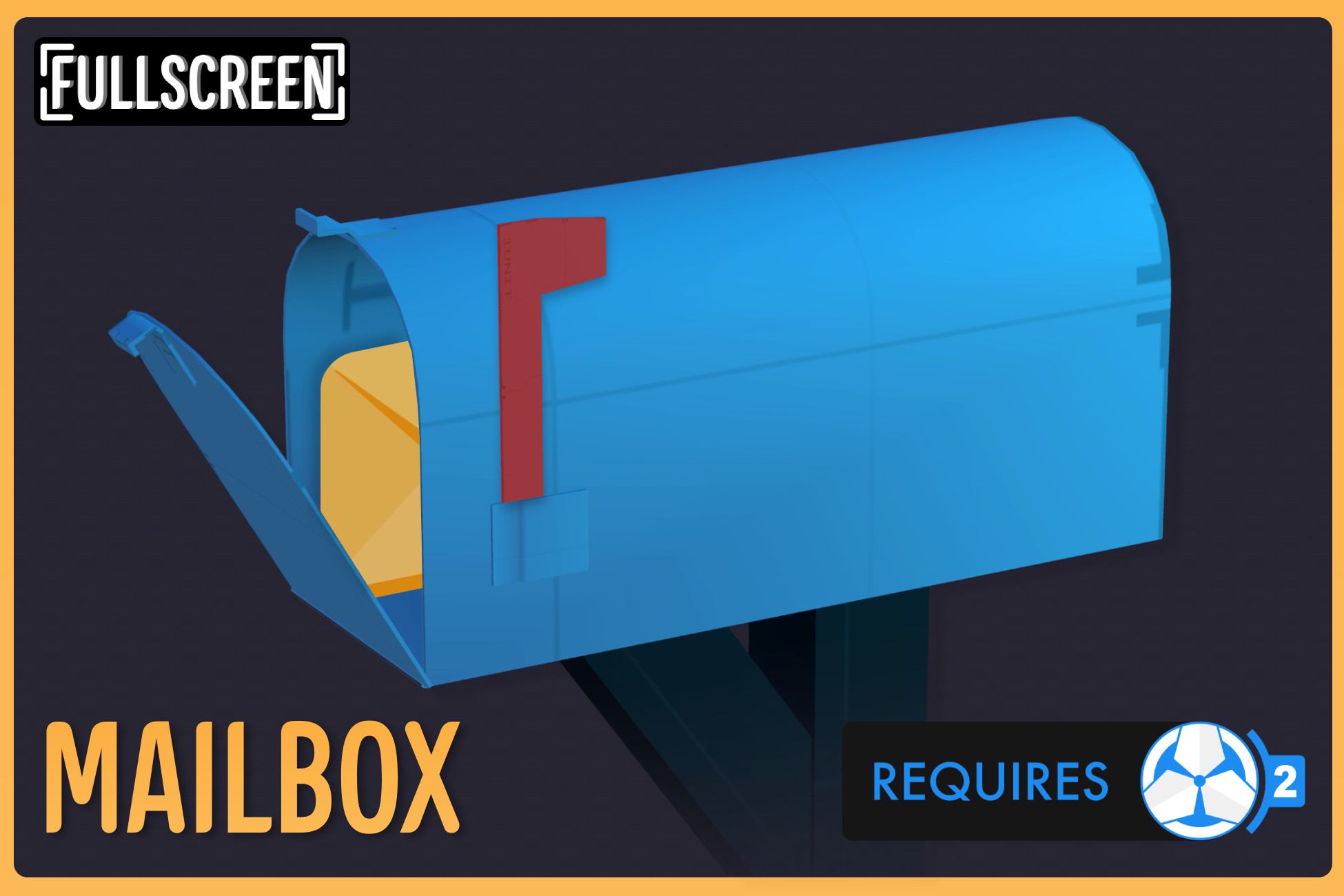
Add depth and engagement to your game with Mailbox , a powerful and customizable letter system for Game Creator 2 . Whether you need NPCs to send letters , give quests , deliver items , or send newsletters, game updates...

Likes

3

Updated

06/07/2026

Main version

v1.0

Add version

Published

Jun 7, 2026

Category channels

game toolkitsTools

Available builds

v1.0

Asset description

Add depth and engagement to your game with Mailbox , a powerful and customizable letter system for Game Creator 2 . Whether you need NPCs to send letters , give quests , deliver items , or send newsletters, game updates, rewards, and event announcements , Mailbox makes it seamless to create, customize, and manage in-game mail. ✨ Key Features ✨ 🔹 Customizable Mailbox Styles – Choose from three included mailbox designs or create your own! Farm – Cozy and rustic, perfect for farming sims. Adventure – A classic RPG-style letter, ideal for immersive worlds. Computer – Clean, sleek, modern email style, great for simulation or futuristic games. 🔹 Highly Flexible Letter Customization – Create anything from heartfelt love letters to mysterious cryptic messages , tailoring the individual letters to fit your game's world and tone. 🔹 Inventory & Dialogue Integration – Seamlessly works with Game Creator 2 Inventory and Dialogue to include items, properties, and Dialogue to use dynamic text in letters. 🔹 Send Items via Letters – Reward players with items for completing quests, reaching milestones, or as special gifts. Easily set item quantities and properties with the custom built-in editor. (Requires Game Creator 2 Inventory) 🔹 Advanced Sending Conditions – Control when and how letters are sent using custom conditions. 🔹 Dynamic Strings & Text Areas – Use global values inside letters for a more personalized experience. (Requires Game Creator 2 Dialogue) 🔹 40+ New Triggers, Conditions, Instructions, and Properties – Whether you prefer components or visual scripting, Mailbox gives you the flexibility to create a fully customizable mail system with ease. 🔹 Integrated with Game Creator 2’s Save System – Ensures letters persist across play sessions. 🔹 Editor Pro Compatibility – Quickly search, edit, and organize letters alongside your other Game Creator 2 assets for a streamlined workflow. 👀 Looking for an easy way to manage all of Game Creator 2's assets, including Mailbox's assets? 👀 Check out our easy-to-use asset editor, Editor Pro 📦 What’s Included? 📦 ✔ Full Source Code ✔ Example Content ✔ Setup Guide & Documentation 🔗 Learning Resources 🔗 Website Documentation Setup guide Discord Roadmap
Package overview

Mailbox | Game Creator 2 by Fullscreen is a Unity asset listed on Game Package. Its catalog categories are game toolkits, Tools.

Requirements and compatibility

No render pipeline compatibility is specified for the published builds on this page.

Check the package description and the original listing for minimum editor versions, dependencies and import instructions before adding the asset to an existing project. View the Unity Asset Store listing.

Versions on Game Package

The current version listed here is 1.0.

  • v1.0
Mailbox | Game Creator 2

Mailbox | Game Creator 2

v1.000123456789

06/07/2026

Price

35pts
Sign in
Open inUnity Store

More assets by Fullscreen

  • Inventory Extended

    By Fullscreen

    Version 1.2.2

    Get the Inventory Extended | Game Creator 2 package from Fullscreen and speed up your game development process.

    • Tools
    • visual scripting
  • NodeFlow Dialogue

    By Fullscreen

    Version 1.3.0

    Get the NodeFlow Dialogue | Game Creator 2 package from Fullscreen and speed up your game development process.

    • Tools
    • visual scripting
  • NodeFlow LogicBlock

    By Fullscreen

    Version 1.3.0

    Get the NodeFlow LogicBlock | Game Creator 2 package from Fullscreen and speed up your game development process.

    • Tools
    • visual scripting
  • NodeFlow Quest

    By Fullscreen

    Version 1.3.0

    Get the NodeFlow Quest | Game Creator 2 package from Fullscreen and speed up your game development process.

    • Tools
    • visual scripting
  • Persistent Instances | Game Creator 2

    By Fullscreen

    Version 1.0.1

    Persistent Instances – Save Instantiated GameObjects in Game Creator 2 Persistent Instances adds support for fully persisting instantiated GameObjects in Game Creator 2. Game Creator 2 can save values from runtime objects using the Remember component and Local Variables , but it does not recreate GameObjects that were instantiated during runtime when loading a save. Because those objects no longer exist at load time, their saved data cannot be restored. Persistent Instances solves this by automatically registering instantiated objects and recreating them during loading with the correct Remember IDs , allowing their Remember memories , Local Variables , and existence to be properly restored. Why Persistent Instances? Game Creator 2 already provides a powerful save system through Remember component and Local Variables , but it only works for objects that exist when the scene starts. Many gameplay systems rely on runtime objects such as: Loot drops Spawned enemies Placed objects Normally these objects disappear when the game is saved and loaded. Persistent Instances extends the Game Creator 2 memory system so runtime objects can persist across saves and scene changes Easy Setup Setup only takes a few seconds. Simply add Memory Instance to the Remember component on any prefab you want to persist. That's it. Whenever the prefab is instantiated, the object automatically registers itself so its Remember memories and Local Variables are saved when the game is saved and restored when loading. Works Seamlessly with Game Creator 2 Persistent Instances works directly with the standard Game Creator 2 workflow . Instantiated objects can come from anywhere in your project, including: Instantiate GameObject Dropping Items Custom scripts and instructions There are no new systems to learn, no complex setup, and no workflow changes. Just keep using Game Creator 2 exactly as you normally would , now with support for instantiated objects. Works Even Without Saving Persistent Instances behaves the same way as Game Creator 2's Save System . Even if you don’t save the game , instantiated objects remain stored in memory during the play session. If you leave a scene and later return to it during the same session, those objects will automatically be restored. Support for Non-Prefab Scene Objects Persistent Instances can also help with certain scene objects that cannot normally save their active state. For example, if a GameObject with a Remember component using Is Active memory starts disabled at runtime , Game Creator 2 cannot track its active state because it was not active when the game started. By adding Memory Instance to the object, Persistent Instances helps the Remember system properly track whether the object becomes active or inactive . One-Click Tool to Regenerate Remember IDs Persistent Instances includes a simple editor tool that allows you to regenerate Remember IDs for multiple GameObjects at once . This is especially useful if you have placed many prefabs in a scene that contain Remember components . Using NanoSave? If you're using NanoSave – Enhanced Save Storage for Game Creator 2 , Persistent Instances works out of the box with it. Instantiated objects registered by Persistent Instances are saved and restored normally when using NanoSave, allowing both systems to work together without any extra setup. ➡ Check out NanoSave – Enhanced Save Storage Extension for Game Creator 2 🎮 Try It Yourself! Preview Persistent Instances and the included Example directly in your browser or download the Windows build on Itch.io 📦 What’s Included ✔ Full Source Code ✔ Setup Example 🔗 Links 🌐 Website 📖 Documentation 📚 Setup Guide 💬 Discord (New) 📅 Roadmap Persistent Instances is an independent extension for Game Creator 2 and is not affiliated with or endorsed by Catsoft Studios.

    • Tools
    • utilities
  • Smart Thumbnails | Game Creator 2

    By Fullscreen

    Version 1.0.2

    Smart Thumbnails for Game Creator 2 Smart Thumbnails makes working with Game Creator 2 assets much faster and easier by showing the actual sprite of your assets as their thumbnail . Instead of seeing the default ScriptableObject icon everywhere, Smart Thumbnails displays the sprite already assigned inside the asset . Your items, weapons, quests, and stats instantly become recognizable directly from their thumbnails. No more opening assets just to see what they are. No more guessing based on names. You can immediately identify everything visually. This small quality of life improvement makes organizing and selecting assets dramatically faster. Why Smart Thumbnails? Game Creator 2 assets already include a sprite that visually represents them. However, Unity still displays their generic ScriptableObject icon in places like: The Project window Object pickers used in instructions This means you constantly have to read names or open assets to confirm what they are. Smart Thumbnails automatically replaces those icons with the sprite already defined in the asset. You instantly see what each asset represents, which speeds up your workflow and makes your project easier to manage. Supported Game Creator 2 Assets Smart Thumbnails automatically detects and displays sprites for the following Game Creator 2 ScriptableObjects: Inventory Item Quests Quest Shooter Shooter Weapon Ammo Reload Melee Melee Weapon Skill Stats Attribute Class Stat Status Effect If the asset has a sprite assigned, Smart Thumbnails will display it automatically. Works in Project Window and Object Pickers Smart Thumbnails improves asset visibility in places where you select assets during development, including: The Unity Project Window Object window For example when selecting assets in instructions like: Add Item Track Quest Equip Shooter Weapon Apply Status Effect Instead of identical ScriptableObject icons, you will see the actual sprite assigned to the asset. This makes browsing and selecting assets much faster. One Click Setup Smart Thumbnails includes a one click setup button when you import the asset. Click the setup button once and Smart Thumbnails will automatically configure everything needed for the editor integration. After that, it works automatically. No extra setup. No workflow changes. Useful for Any Project Size Smart Thumbnails is helpful for small, medium, and large projects . Even a small project becomes easier to navigate when assets are visual. In larger projects with many items, weapons, quests, or stats, visual thumbnails make a huge difference when browsing folders or selecting assets. You can quickly scan your project and find what you need without reading through long lists of names. Using Editor Pro? If you're using Editor Pro for Game Creator 2 , Smart Thumbnails works perfectly alongside it. Editor Pro makes creating and editing Game Creator 2 assets faster, while Smart Thumbnails makes them easier to recognize and browse visually. Together they create a smooth workflow where you can quickly create assets and instantly identify them through their thumbnails. ➡ Check out Editor Pro for Game Creator 2 🔗 Links 🌐 Website 📖 Documentation 📚 Setup Guide 💬 Discord (New) 📅 Roadmap

    • Tools
    • utilities

Related Tools assets

  • FSR 4 Redstone - Upscaling for Unity

    By The Naked Dev

    Version 1.1.8

    Use the FSR 4 Redstone - Upscaling for Unity from The Naked Dev on your next project. Find this utility tool & more on the Unity Asset Store.

    • Tools
    • utilities
  • Amplify Impostors

    By Amplify Creations

    Version 1.1.0

    Use the Amplify Impostors from Amplify Creations on your next project. Find this utility tool & more on the Unity Asset Store.

    • Tools
    • utilities
  • Ultimate Preview – Animator Add-on

    By Voxel Labs

    Version 2.1.0

    Use the Ultimate Preview – Animator Add-on from Voxel Labs on your next project. Find this utility tool & more on the Unity Asset Store.

    • Tools
    • utilities
  • ScriptableObjects Tools

    By Ciro Continisio

    Version 2.1.0

    Use the ScriptableObjects Tools from Ciro Continisio on your next project. Find this utility tool & more on the Unity Asset Store.

    • Tools
    • utilities
  • Dialogue System for Unity

    By Pixel Crushers

    Version 2.2.75.3

    Get the Dialogue System for Unity package from Pixel Crushers and speed up your game development process.

    • behavior ai
    • Tools
  • GPU Instancer Pro - Crowd Animations

    By GurBu Technologies

    Version 0.10.7

    Use the GPU Instancer Pro - Crowd Animations tool from GurBu Technologies on your next project. Find this & more animation tools on the Unity Asset Store.

    • animation
    • Tools