Description [Documentation, Examples]
[Unity Discussion]
[Discord Server]
[Get free version on Github]
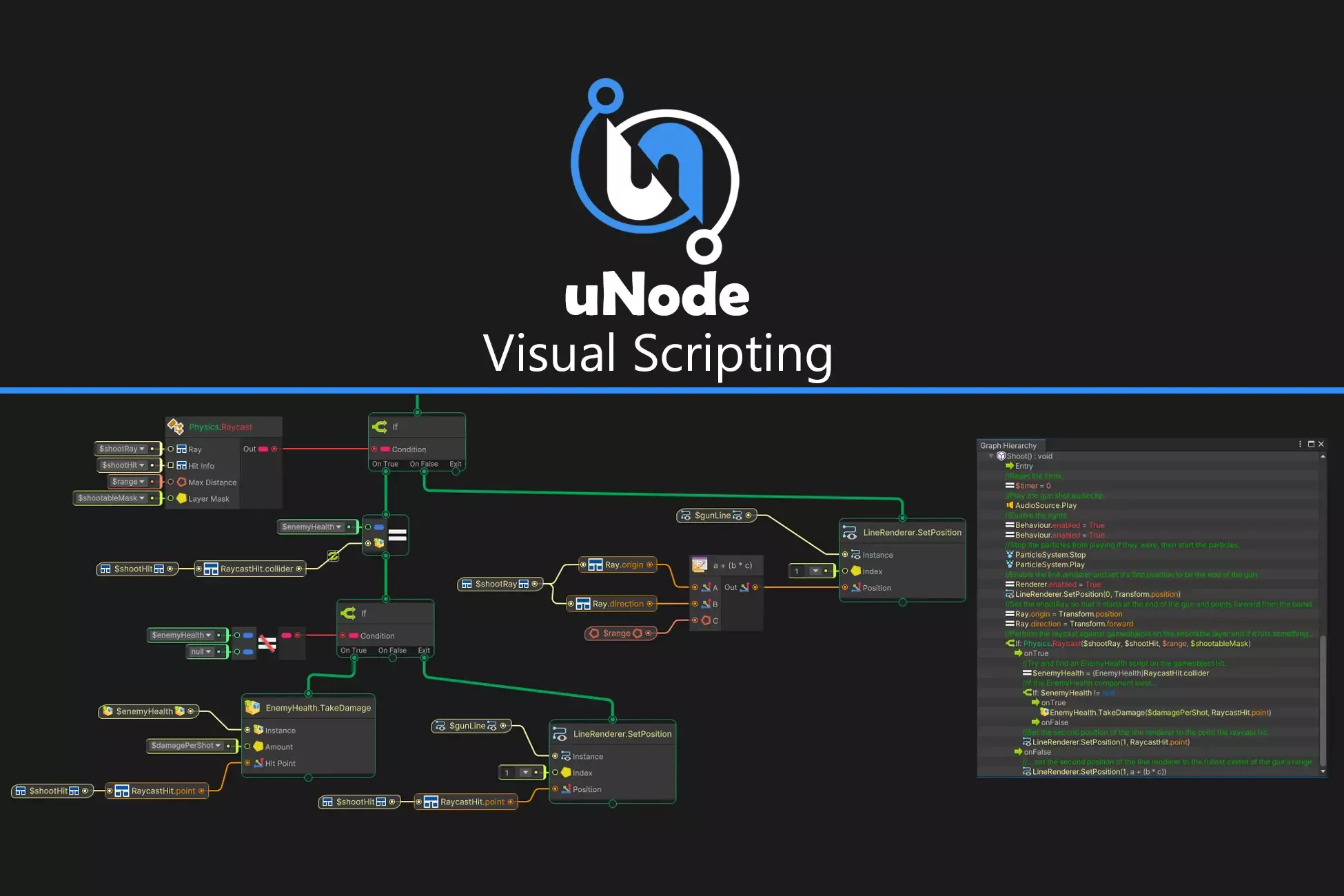
uNode is Visual Scripting plugin for Unity 3D. This plugin allows designers, artists and programmers to create gameplay mechanics, interactive systems and even C# script without writing a single line of code.
FEATURES
•🆕 New: Support for DOTS ( Unity ECS )
Experimental support for DOTS is available. Support for ECS System, Component and Job with burst compile support and fast iteration.
•🆕Call Stack
Introducing the Call Stack – a powerful new way to debug and understand your graph like never before!
Track the flow of execution after breakpoint is hit, see which nodes are being triggered, and navigate through nested logic with ease. Whether you're building simple interactions or complex behaviors, the Call Stack helps you stay in control.
•Fast Enter Play Mode Support
By fast enter play mode you can quickly test and prototype ideas.
•Graph Organizing
Use namespace, variable & function grouping, region / node group, comment, and notes to fully organize your graphs.
•Graph Inheritance
Need variations of the same behavior?
uNode supports graph inheritance, so you can build base logic and override only what changes. Perfect for enemy types, weapon variations, or menu screens.
•Cross-Graph Communication
Call functions or access variables across graphs without messy spaghetti. Everything is reference-safe and organized — like calling scripts, but clean and visual
•Macros
Tired of repeating the same logic?
Create a graph once and reuse them in entire graphs with different parameters. Great for sharing behavior across enemies, UI panels, or levels.
•Dynamic Nodes
Use automatically generated nodes for all and any Unity functionality, your code and 3rd party APIs. Including Methods, Properties, Fields, Unity Events, C# Events, Generic Methods, Constructors and Operators.
•C# Generation
Need more performance or want to learn how things work under the hood?
uNode can turn your graphs into clean, readable C# code — great for learning or achieving high performance execution just like hand written c# script.
•C# Parser
Import c# script into uNode to quickly creating a node graphs and learn how uNode work.
•Realtime C# Preview
Preview the generated C# script in real time, complete with syntax highlighting. Selected nodes in your graph automatically highlight their corresponding code segments — helping you instantly understand how your logic translates to code.
•Flow Graphs
Powerful flow graphs for low-level logic and complex tasks.
•State Machine
Build AI, gameplay states, or animation logic with integrated FSM support.
•Built-in Documentation
Get instant access to Unity and custom documentation directly from the Editor.
•Live Editing
Modify any part of your graphs while in playmode to quickly prototype and test ideas
•Graph Debugging
Insert breakpoints, watch connection, and watch variable changed in a graphs. It can also debug connection and log to console with specific message when it reach the connection.
•Instant Node Search
Get instant node searching without the need to rebuild node library.
The node library is instantly refreshed based on using namespaces in each graph or can be customized in preference.
•Find References
Quickly find all references/usages for variable, property, function, graph and nodes in project.
•Graph Hierarchy
Easily navigate through your graph, find functions, macros, and see which nodes are currently active.
•Graph Search
Search all graph members ( graph, variable, property, etc ) in project easily.
•Undo/Redo
Every action supports Undo/Redo, and all graphs are saved in clean, Unity-friendly asset files.
•Node Browser
•Graph Minimap
•Full C# Source Code Included
•And much more
Supported Type: All Type are supported ( Classes, Structs, Enums, Collections, Interfaces, etc ).
🚀 Performance Modes
uNode has 2 options to run the graphs:
•Native C# for max performance (Auto in Build).
•Optimized Reflection is slow compared to native c# but its live editable use for rapid iteration and flexibility.
Use what's best for your project and switch anytime.
Open Source & Comminity Driven
In addition to the Pro version, a Free version of uNode is available on Github. This open-source iteration allows developers to explore the core power of uNode. All graphs also compatible between free and pro version.
Example Projects
•2D UFO
•Roll a Ball
•Tanks
•Survival Shooter
COMPATIBILITY
•Development Platforms:Support all platforms that Unity support.
•Works on Unity Pro and Free
More Info
Sign in to offer a newer .unitypackage for this asset. Uploads are reviewed before they appear.