🔗 Documentation | Discord | Unity Forums | Support
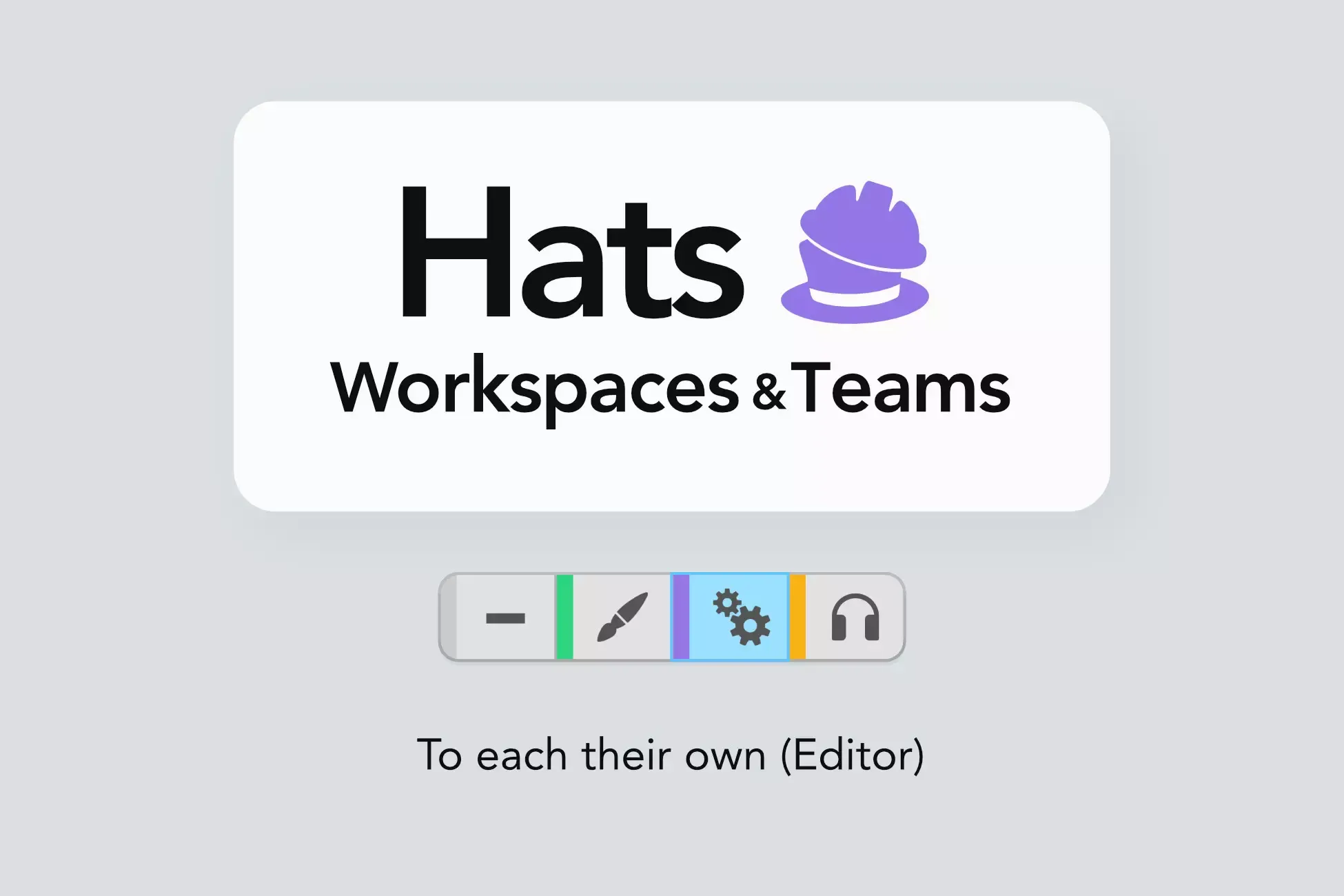
Hats enables the concept of workspaces in Unity.
⛑️ Workspaces
Workspaces are a bit similar to layouts – but way more powerful!
By switching workspaces, the Editor can be made to load a specialised layout, open one or more scenes, hide or lock objects in the open scene, hide specific components, and more. Third-party tools can be made to work differently. And you can create custom behaviour as a result of a workspace switch.
You can switch to a workspace at any moment to customise the appearance or the behaviour of the Editor according to the task you are performing.
👉🏻 For instance:
One could have workspaces for Level Design, Cinematics, Testing...
When the Level Design workspace becomes active, it loads the main game scene and hides some components. When the Testing workspace is activated, it loads the Initialisation scene, so the developer can immediately enter Play Mode and test the game from the main menu. When Cinematics loads, it opens the main scene
Hats can make the Unity Editor more streamlined, so you get focus – whichever hat you're wearing at the moment 🎩
But that's not all...
👫 Teams
In addition to workspaces, Teams can be used to group Editor users, using their Unity ID (i.e. their email). If a user is signed in and their email is listed as a user of a Hats Team, they are part of that Team, and that Team's workspace becomes enabled for them. This happens as soon as the Editor is launched.
This allows to auto-enable a workspace for users of a certain team.
👷🏼♂️ Build your own Hats-powered tools
In addition to the built-in functionalities, Hats provides a host of public API to query the current state of workspaces and Teams. This allows you to create smart tools that provide a tailored experienced to their users.
🈶️ CJK languages support
Hats supports CJK languages for team and workspace names.
该工具支持中文。
このツールは日本語をサポートしています。
이 도구는 한국어를 지원합니다.
📘 Documentation
If you want to learn more before getting Hats, you can browse the documentation website.
💰 Save some money
Hats is part of our All Editor Tools bundle. By getting that, you effectively get Hats at 25% off. If instead you already purchased Hats, you get a discount on the bundle.
Sign in to offer a newer .unitypackage for this asset. Uploads are reviewed before they appear.