📺 Tutorials 📄 Docs 💬 Forum 🌐 Site
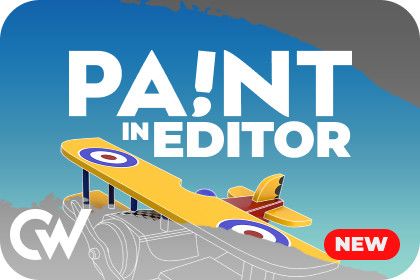
⚡ Easy To Use & Lightning Fast ― Using GPU acceleration and intuitive editor controls, you can enjoy painting your objects with incredible speed. With full support for painting meshes, skinned meshes, and sprites, you enjoy painting everything with ease.
🔎 Mesh Analysis ― Includes a nice tool to quickly analyze your mesh UV data to see if it's suitable for painting, and includes tools to fix common issues.
🗺️ Mesh Unwrapper & Remap ― With just one click you can make any mesh ready for painting with the mesh UV unwrapper. If your mesh was originally using a texture atlas (e.g. low poly mesh), then you can use the texture remapper tool to quickly convert your textures to the new layout.
🖌️ Paint Brushes ― Paint seamless materials and decals with full PBR texture support. Adjust all brush settings including color, size, rotation, spacing, scattering, and much more. You can even add your own materials with a few clicks.
🔄 Undo & Redo & Eraser ― Easily correct any mistakes you made while painting with undo & redo. You can also revert the whole texture back to its original state, or just specific parts of it.
🏐 Custom Shaders ― Automatically comes configured for most of Unity's built-in shaders, and you can easily add support for your own custom shaders in seconds.
Need to paint 3D objects? Check out Paint in 3D.
Need to paint 2D objects? Check out Paint in 2D.
Want to get all 3 at a discounted rate? Check out Paint Bundle.
Thanks for reading ❤️
Sign in to offer a newer .unitypackage for this asset. Uploads are reviewed before they appear.