Video | Web-site
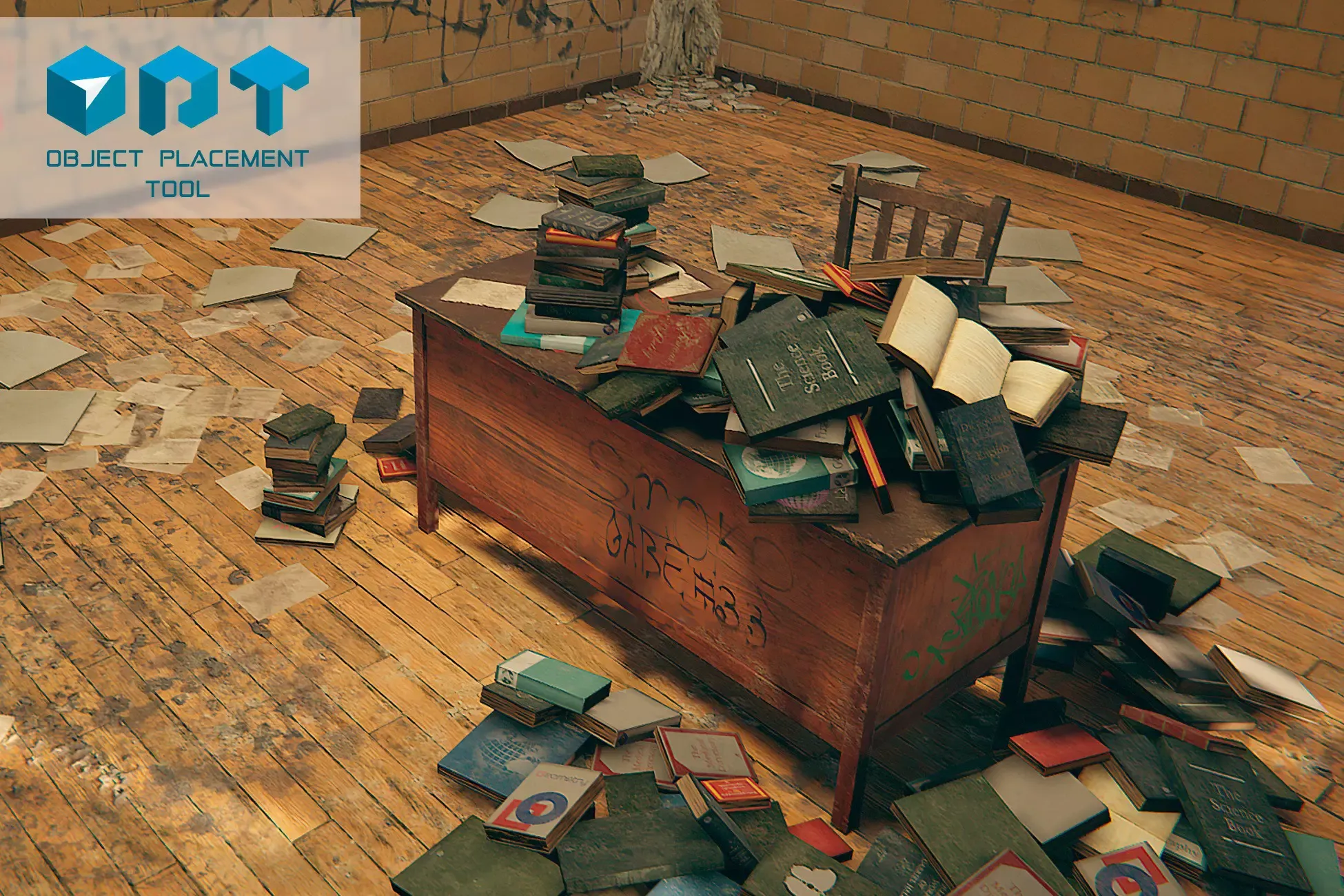
Object Placement Tool - it's a powerful editor extention that allows you to populate your scenes in minutes using simple mouse click instead of regular drag & drop of prefabs and setting all rotation and scale variations by hand. The core feature of this tool is "Physics Placement Mode". In this mode you can place your objects with the help of physics. You can easilly create huge amount of objects dropped onto each other, for example - the big heap of books like that shown in this video-demo
Key features:
• Place objects on any surface by mouse click (or place only on selected object/layer);
• Physics Mode to drop objects onto each other and create big heaps of stuff;
• Randomize rotation and scale for created objects;
• Align to Surface feature to align created object's up axis to the surface normal direction;
• Follow Path feature, place new object depending to previous object direction. Good for fence placing;
• Brush Mode to create objects by bunches;
• Group objects in the hierarchy or even combine meshes into a single mesh (works for meshes, that shares one material);
• Quick actions binded to hotkeys for speed up scene creation (deselect all, rotate by 90 degrees, snap all axis, and move objects along all axis with a grid snapping);
• NEW - Grid Placement, which allows to place objects as an array snapped to the custom grid.
3D-content shown in the video does not included.
P.S.: I'll be very happy if you leave a review!
Sign in to offer a newer .unitypackage for this asset. Uploads are reviewed before they appear.