Author by Thomas Enzenebner
Third Person Camera
Links: Documentation | WebGL Demo | Forum Build your game, not another camera system. Third Person Camera is a modular, source-included toolkit for creating polished orbit, adventure, follow, vehicle, shooter, lock-on,...
Likes
1
Updated
08/24/2026
Available builds
External links
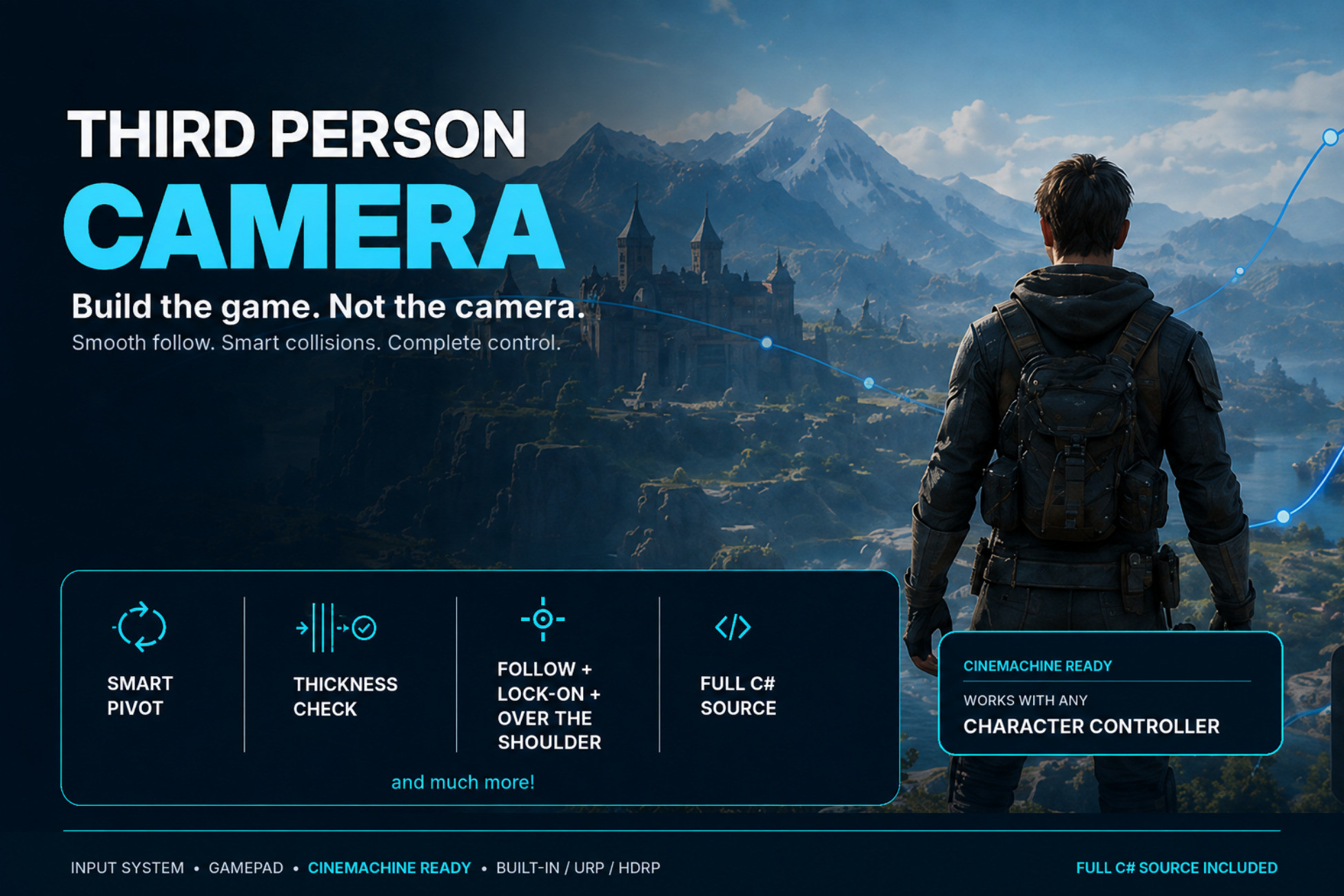
Links: Documentation | WebGL Demo | Forum Build your game, not another camera system. Third Person Camera is a modular, source-included toolkit for creating polished orbit, adventure, follow, vehicle, shooter, lock-on, and Cinemachine cameras in Unity. Start with one of six ready-made camera prefabs or combine focused components to create the exact camera your game needs. The system follows any Transform and does not require a specific character controller. 🎉 New In 1.2 - Cinemachine 3 gameplay camera integration - Included occlusion extension for Cinemachine-authored shots - Optional frame-rate-independent exponential smoothing - and much more! 🛡️ Advanced Obstacle Handling Occlusion Avoidance Sphere-cast collision detection keeps the camera out of geometry and the target visible. Smart Pivot When the camera reaches the ground while looking upward, Smart Pivot tilts the view instead of forcing the camera uncomfortably close to the character. Thickness Check Ignore thin obstacles such as poles, fences, branches, and small trees while solid geometry continues to block the camera. Smart Camera Offsets Obstacle-aware offsets smoothly move toward the center when blocked, then return to the desired composition when space becomes available. Over-the-shoulder cameras remain fluid instead of abruptly switching sides. Smooth Recovery Configure collision zoom-in and recovery speeds independently for controlled, natural movement. 🎥 Multiple Camera Styles 360-Degree FreeForm Camera Orbit and zoom around any target with configurable distance, angle limits, and smoothing. Adventure Follow Camera A smart LookAt mode keeps the target in view while preferring rotation over unnecessary position changes. Automatic Follow Align behind characters, cars, rolling objects, or flying targets, with optional slope alignment and backward-motion detection. Preemptive Corner Sweeping The camera can begin rotating before its path becomes blocked while moving around corners. Over-The-Shoulder Camera Configure separate aiming and released poses, smooth offsets, custom slide axes, and left/right shoulder switching. Lock-On Targeting Find, rank, select, and cycle targets using configurable layers, distance, viewing angle, and focus offsets. 🎬 Cinemachine 3 Integration Use 3rd Person Camera as Cinemachine Position Control while retaining priorities, blends, Timeline workflows, lens settings, Impulse, and other Cinemachine tools. The included Cinemachine occlusion extension protects Timeline, Spline Dolly, animation, and custom-authored shots without replacing their original camera pose. 🎮 Input Ready Use the supplied Unity Input System actions, the legacy Input Manager, or connect any input solution through the custom input API. Keyboard, mouse, and gamepad support includes: - Free look and zoom - Independent sensitivity and Y-axis inversion - Aiming and shoulder switching - Lock-on selection and cycling - Cursor locking and visibility - Backward view - UI hover protection 🏃 KCC Integration Includes a ready-made demo integration for the free Kinematic Character Controller asset, connecting character movement and animation with the active camera direction. KCC is downloaded separately. 📦 Included - 6 ready-to-use camera prefabs - 8 focused demo scenes - Full C# source - Editable Input System actions - Legacy and new input support ☎️ Support If you have any questions please write me an email (support[at] ) or contact me in Discord. Please be patient, replies may take some time depending on my workload. Please include your Asset Invoice Number in your request. Thank you. 🔑 License Info This asset requires one license per seat (user who has access to the asset files). If you are a team then please consider buying one seat per Unity user. Why am I telling you this? Because most people do not know. In fact any asset found under the Tools category automatically falls under a license type that Unity calls Extension Assets (see official license explanation ) which differs from the standard (Entity) license.
Third Person Camera
08/24/2026
Price