Author by Makaka Games
AR Gallery 3D
AR Gallery 3D — App Template in the Augmented Reality that implements a Demo Gallery of custom AR Objects with real-time shadows. AR Safety First. [ Documentation | Support Forum | Map of Assets ] Demo Gallery Template...
Likes
0
Updated
08/23/2026
Available builds
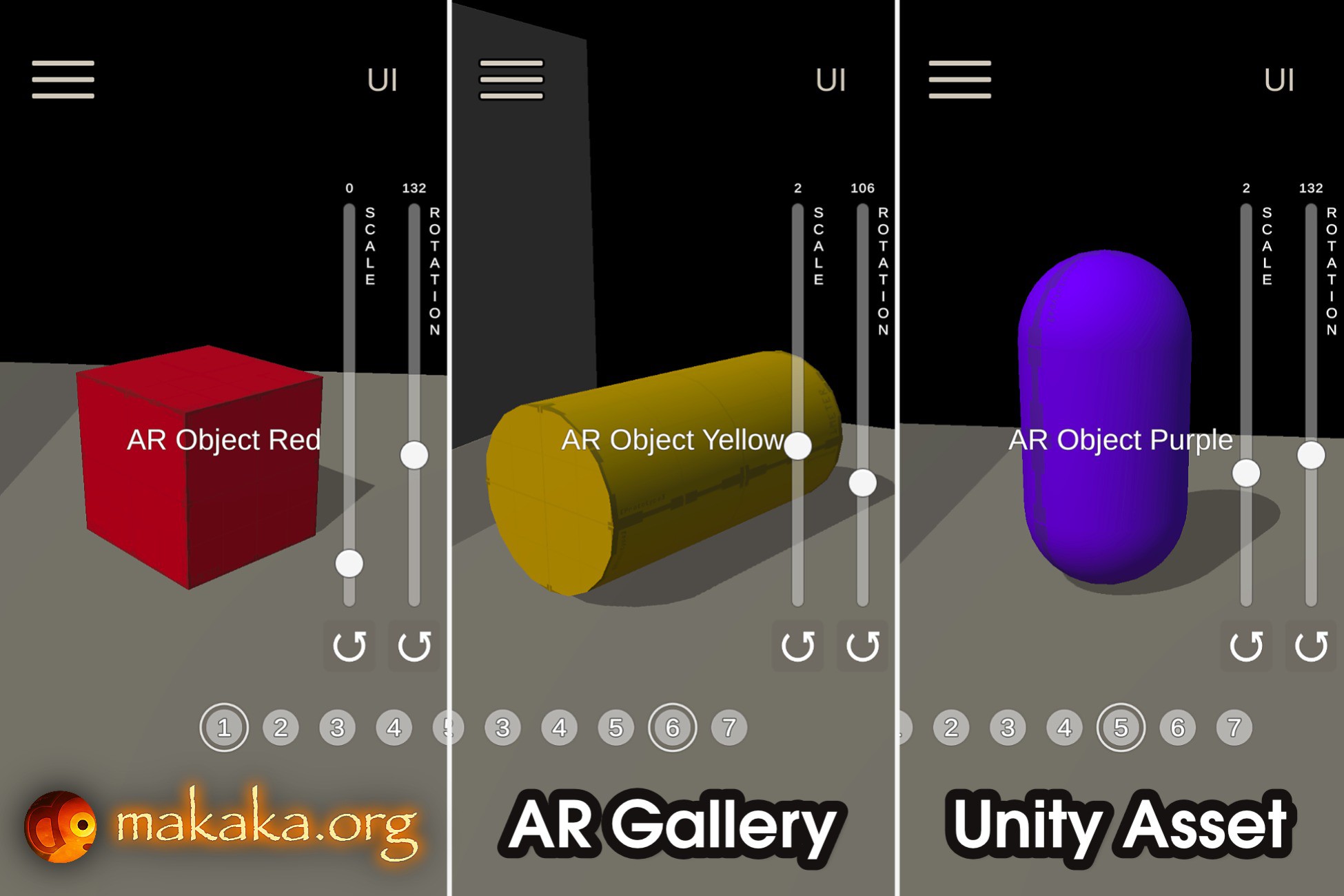
AR Gallery 3D — App Template in the Augmented Reality that implements a Demo Gallery of custom AR Objects with real-time shadows. AR Safety First. [ Documentation | Support Forum | Map of Assets ] Demo Gallery Template is an Excellent Starting Point to Create Apps and Games with Augmented Reality. 👉 AR Game Mode Bring the enchanting Power of Augmented Reality into your amazing AR Game or App using the AR Foundation (ARCore, ARKit) engine : Real Plane Detection (includes tutorial, visual plane confirmation/resetting, Object Placing in a selected point on a detected plane). AR Safe Zone . The player needs to stay in the Safe Zone to avoid accidents during the game and continue the game itself! The player will be notified when leaving the Safe Zone. AR Onboarding UX with Transparent Video Manuals & AR States. AR Shadows & Light Estimation : estimates light data in the real world and applies it to game space. AR Foundation Support Checker allows assigning your own experience when AR is not supported (by default, it shows an informational message and link to requirements). 👉 Features of AR Gallery Gallery : Selecting Target AR Object via Toggle Group System (UI is generated automatically based on AR Objects in the Scene): Displaying Status Text: Show Name of AR Object on Activating. Second Click on Toggle: Hide/Show AR Object. Transform Control for AR Objects : Scale & Rotation: with UI Sliders & “Reset” Buttons. Position: Move Objects on Detected Plane with just a Finger. Button “Show/Hide UI” (aka “Screenshot Mode”). 🍏 Package Contains AR Gallery Scene with Cubes. Menu Scene. Permission Scene with Camera Permission Request using free Native Camera . Loading Screen to switch scenes seamlessly. 📚 Docs & Support I state the work of the asset only with uploaded Unity version or with the version indicated in the latest online docs that contain all instructions for the 1st launch. If you find a bug, or you can't use the asset as you need, please first get the support before leaving a review on the asset store. I am here to help and to improve my assets for the best. Response time can be up to 5 business days.
AR Gallery 3D
08/23/2026
Price